IBO Player is one of the most reliable and highly-rated premium IPTV players for Samsung Tizen and LG WebOS Smart TVs. This self-contained guide explains how to activate the app and configure your BritVisionTV playlist.
Step 1: Install and Find Your MAC Address
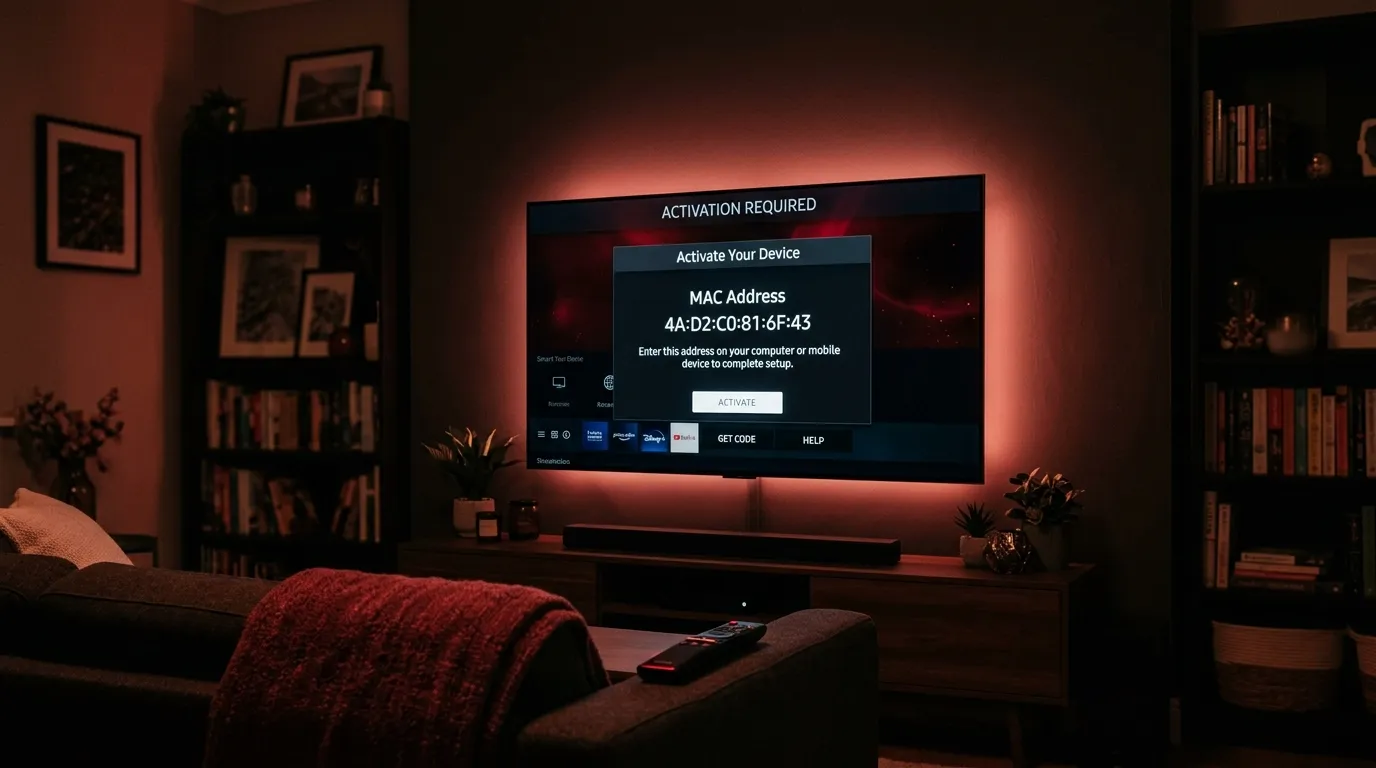
Download IBO Player directly from your LG or Samsung Smart TV App Store. Upon launching the application, you will be presented with a Device MAC Address and a Device Key on the main screen. Write these down, as they are required to upload your playlist.
Step 2: Upload Your IPTV Playlist
Navigate to the official IBO Player website (iboplayer.com) on your computer or smartphone. Select ‘Manage Playlists’, enter your MAC Address and Device Key to log in. Click ‘Add Playlist’, enter ‘BritVisionTV’ as the name, and paste your M3U URL into the provided field. Save the changes and restart the app on your TV.