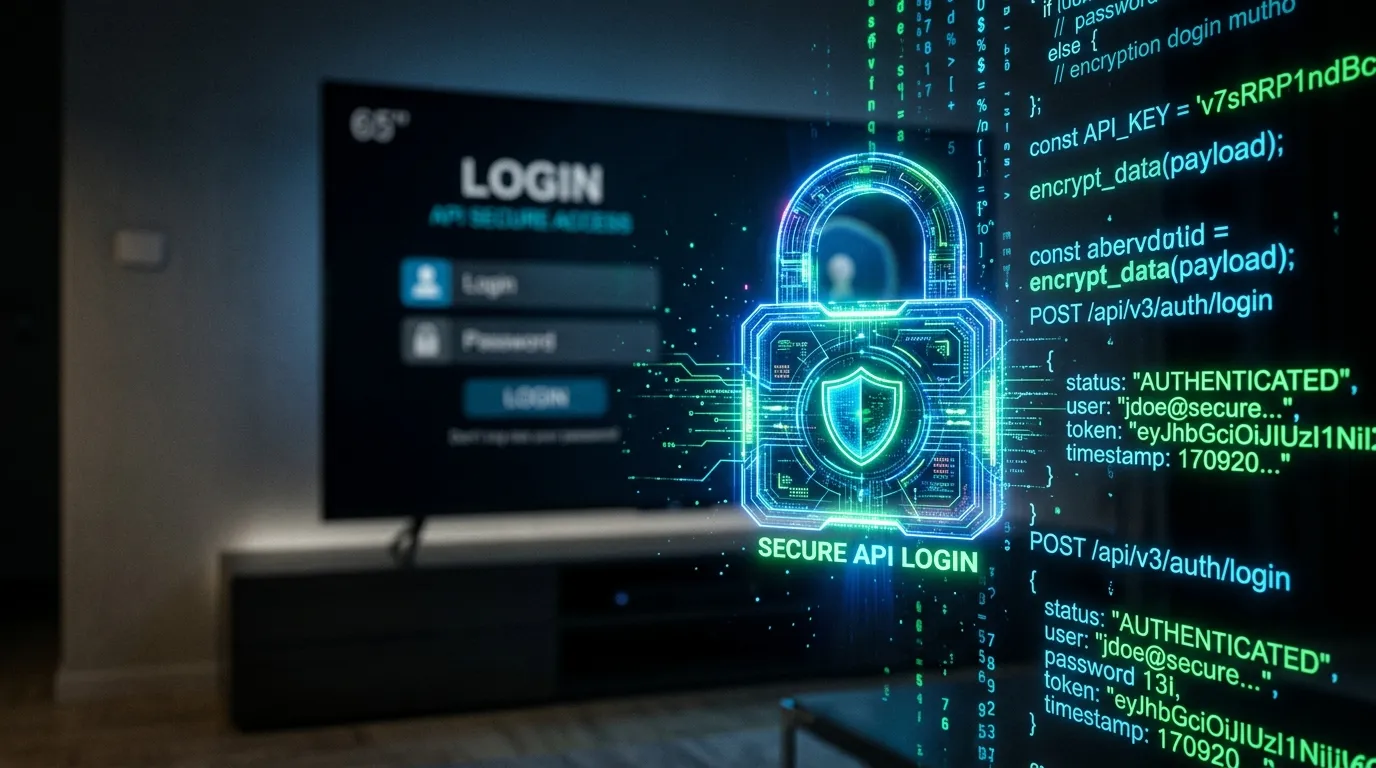
The Xtream Codes API is the fastest and most secure way to connect your BritVisionTV subscription to an IPTV player. Instead of using a bulky M3U URL, Xtream Codes breaks your login into three simple parts: Server URL, Username, and Password.
Step 1: Locate Your Credentials
Upon subscribing to BritVisionTV, you will receive an activation email containing your Xtream Codes API details. Look for the Portal URL (e.g., http://server.com:8080), and your unique alphanumeric Username and Password.
Step 2: Enter Details into Your Player
Open your preferred IPTV app (such as Smarters Pro or Tivimate). Select ‘Add Playlist’ and choose the ‘Xtream Codes API’ option. Enter a generic name for the playlist (like ‘BritVision’), carefully type in your Username, Password, and the exact Portal URL, then click Add User to instantly load your live UK channels.