There is nothing more frustrating than your IPTV stream freezing or buffering right as a goal is scored. This guide provides the exact technical steps to eliminate buffering and stabilize your 4K IPTV streams on BritVisionTV.
Step 1: Hardwire Your Connection (Ethernet)
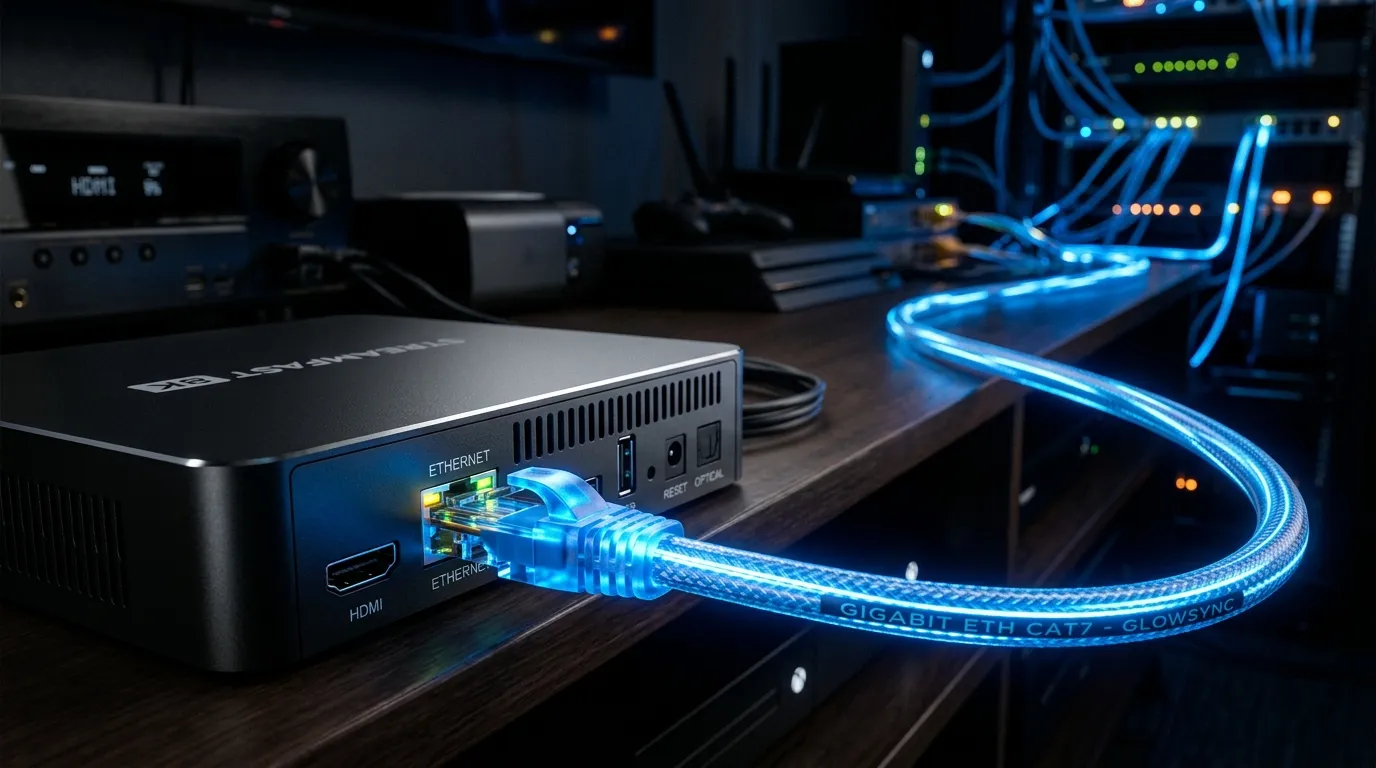
Wi-Fi signals are highly susceptible to interference from walls, microwaves, and neighboring routers. For stable 4K live streaming, you must bypass Wi-Fi entirely. Connect your Smart TV, Apple TV, or Android Box directly to your internet router using a Cat6 Ethernet cable to guarantee maximum bandwidth and zero packet loss.
Step 2: Increase Player Cache Size
If you are using a premium app like Tivimate, you can manually increase the video buffer size. Navigate to Settings > Playback > Buffer Size and change it from ‘Small’ or ‘Normal’ to ‘Large’ or ‘Very Large’. This forces the app to download more video data in advance, masking minor internet drop-outs and preventing the stream from pausing.

