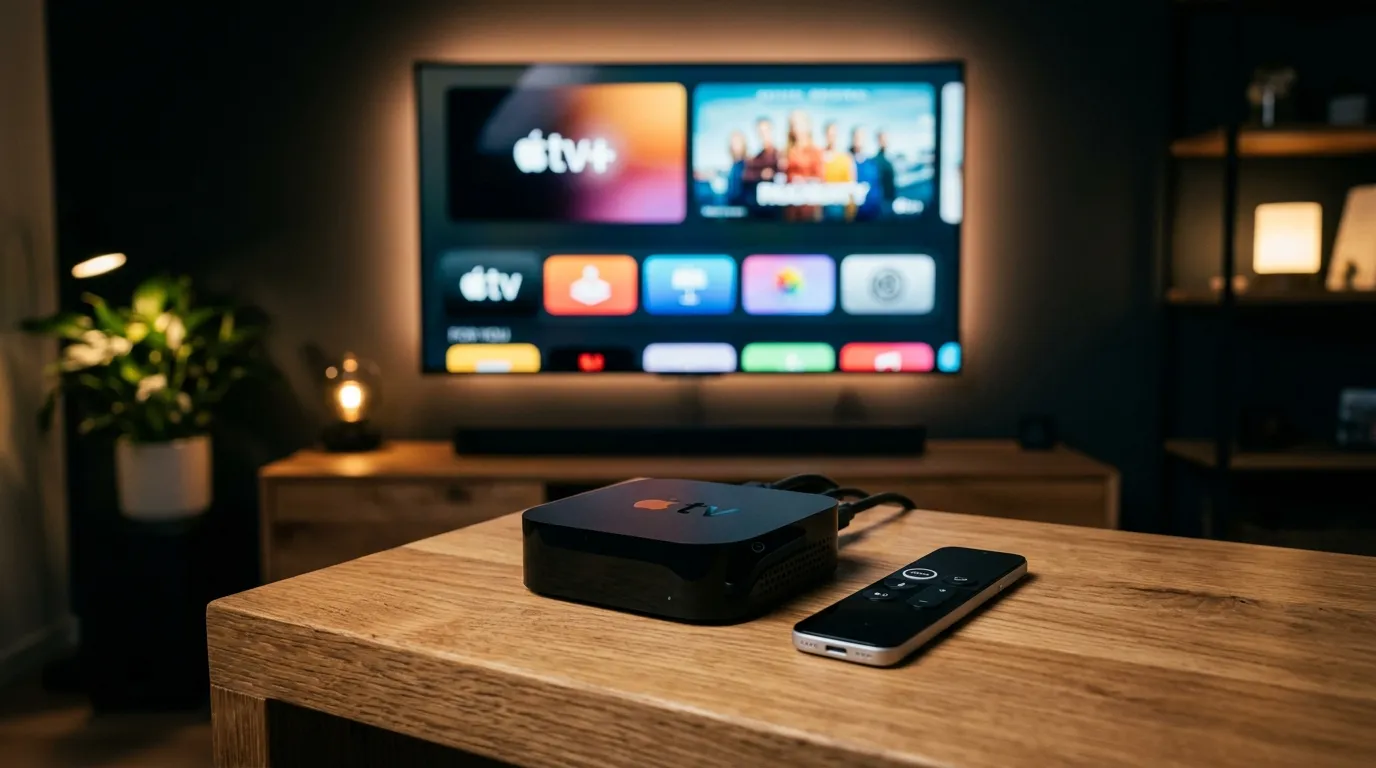
The Apple TV 4K is one of the most powerful streaming devices available, offering unmatched processing power for live IPTV streams. To get a flawless, buffer-free experience with your BritVisionTV subscription, you need the right app and the correct tvOS network settings.
The Best IPTV Apps for Apple TV in 2026
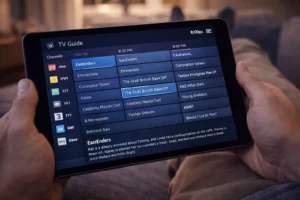
The absolute best IPTV player for Apple TV 4K is iPlayTV or UHF, followed closely by IPTVX. These apps are highly optimized for the tvOS interface, seamlessly integrate with Siri, and handle massive 20,000+ channel playlists and EPGs (Electronic Program Guides) without lag.
Optimizing Apple TV 4K Network Settings
If you encounter buffering, it is rarely the Apple TV’s hardware. First, navigate to Settings > Network and change your DNS from Automatic to Manual. Set your DNS to 1.1.1.1 (Cloudflare) or 8.8.8.8 (Google) to bypass ISP-level routing delays. Second, ensure “Match Content and Frame Rate” is enabled in your Video settings to prevent micro-stutters during live UK sports broadcasts.